The full tour
How Shallot works
Stop losing track of recipes scattered across apps, bookmarks, screenshots, and text threads. Shallot gathers every find into one searchable cookbook, then writes your grocery list for you.
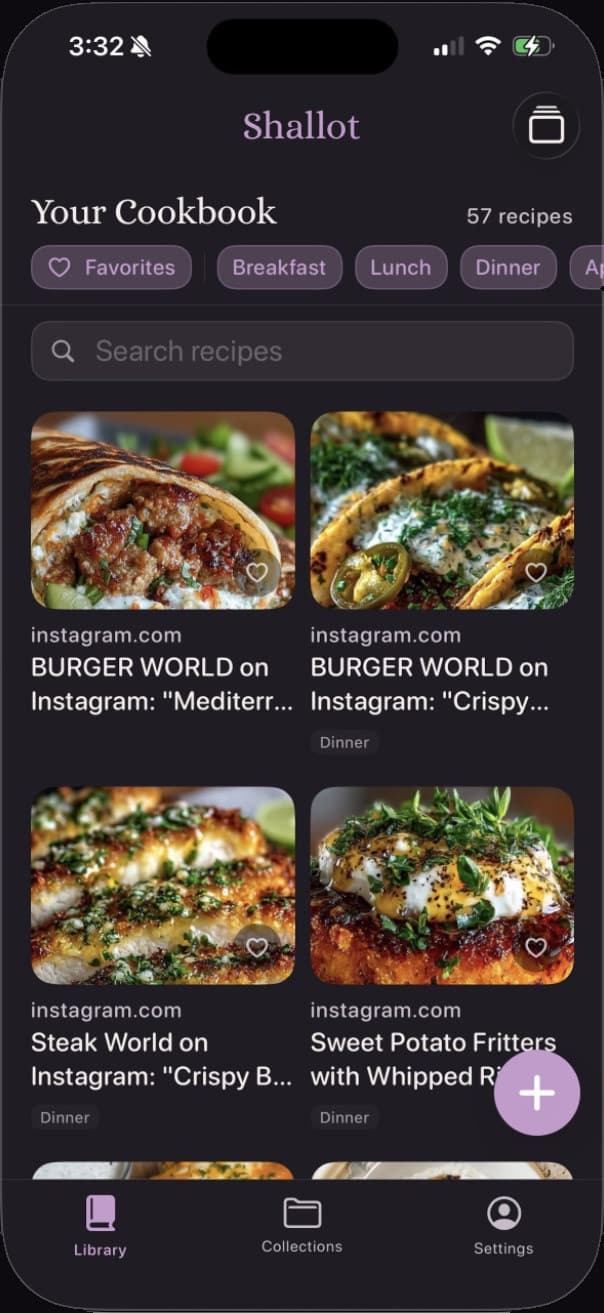
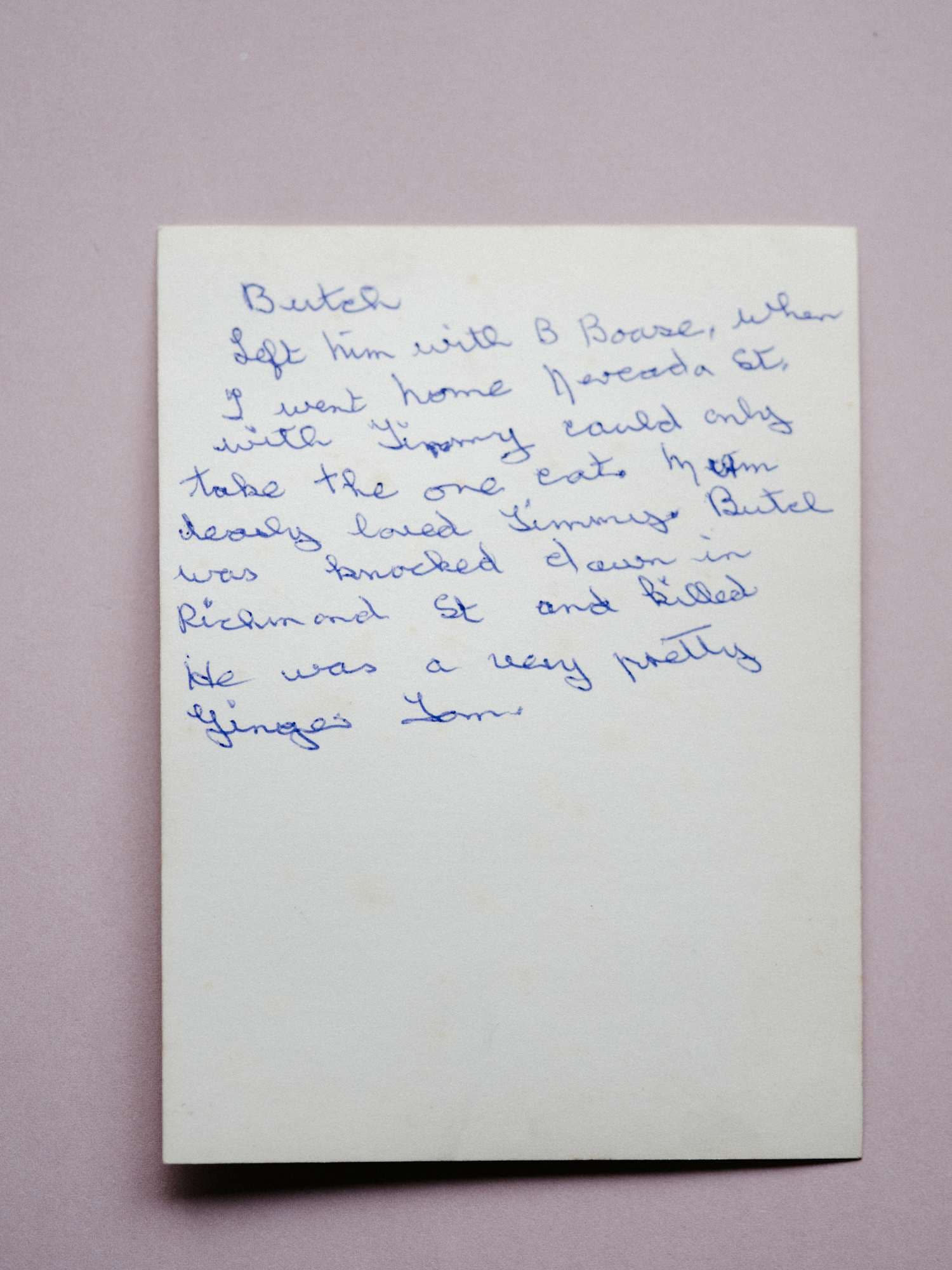
Nana's Sunday Pot Roast
Scanned from a recipe card
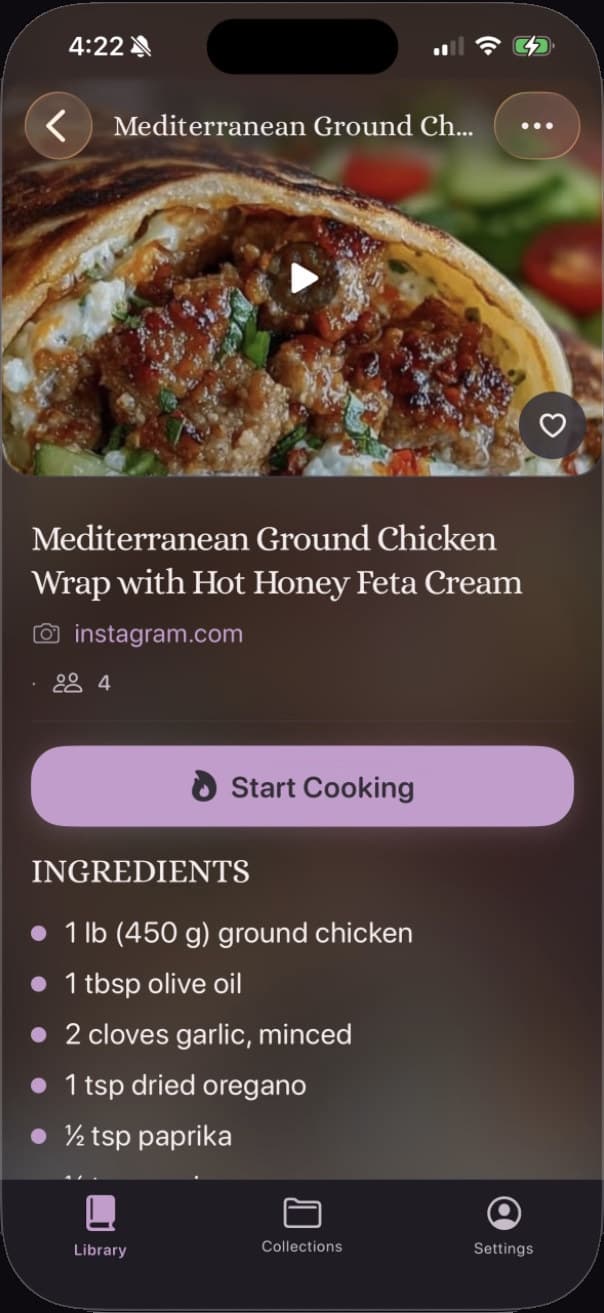
Recipe Saved
Questions
Questions, answered
Which platforms does Shallot support?
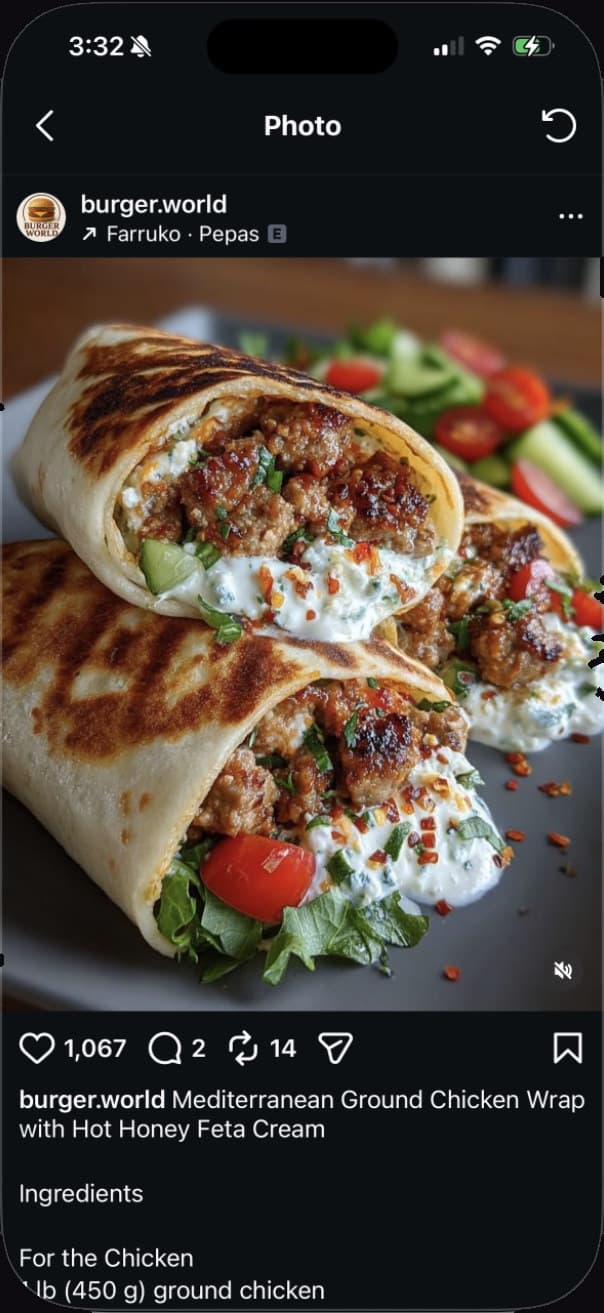
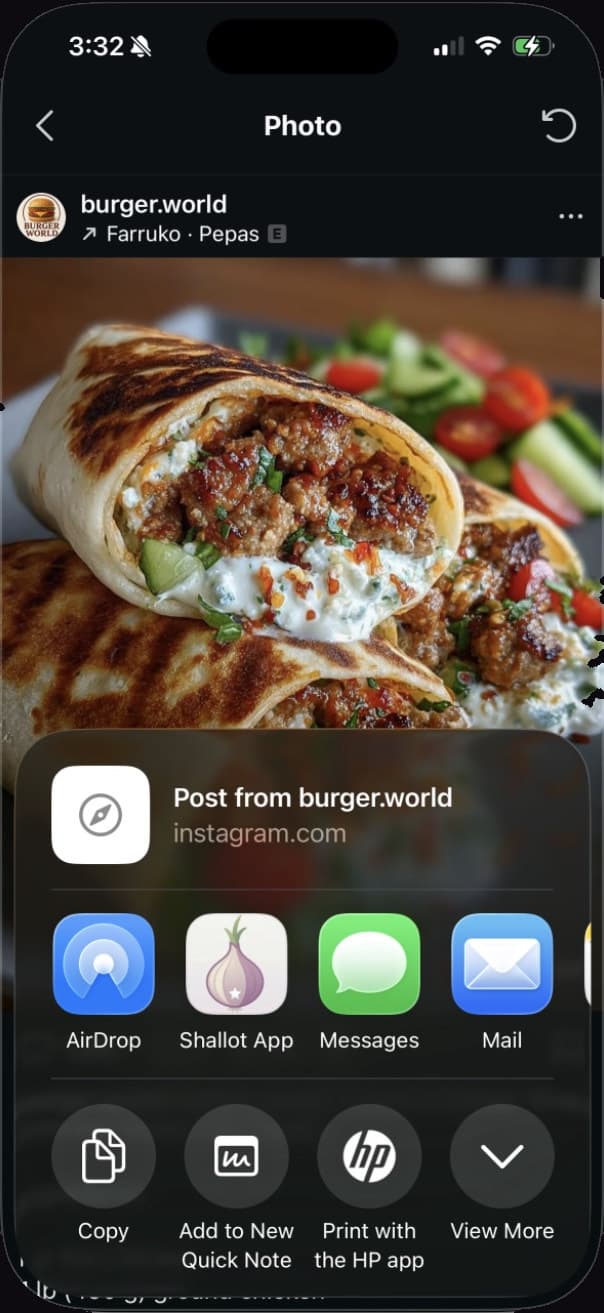
Shallot works with recipes from Instagram, TikTok, YouTube, Pinterest, Facebook, and any website. Use the iOS Share Extension to save in one tap.
Does it work with Reels and TikTok videos?
Yes. When you share a Reel or TikTok video to Shallot, the app reads the post's caption and description and builds the recipe from there, adding the title, ingredients, and steps to Your Cookbook. On YouTube it can use the video's captions too. It does not read text burned into the video image itself, so a recipe shown only on screen may arrive as a bookmark with the link and photo kept, ready for you to fill in.
What happens if a recipe can't be fully extracted?
Shallot saves what it finds and tells you what's there: a full recipe, a few gaps, or a simple bookmark. Nothing disappears. You can always edit it in the app.
How does the grocery list merge ingredients?
Pick the week's recipes, tap Build from recipes, and Shallot merges every ingredient into one list, organized by aisle. Smart merging means 2 cups of flour plus 1 cup becomes 3 cups, once.
Can it read handwriting?
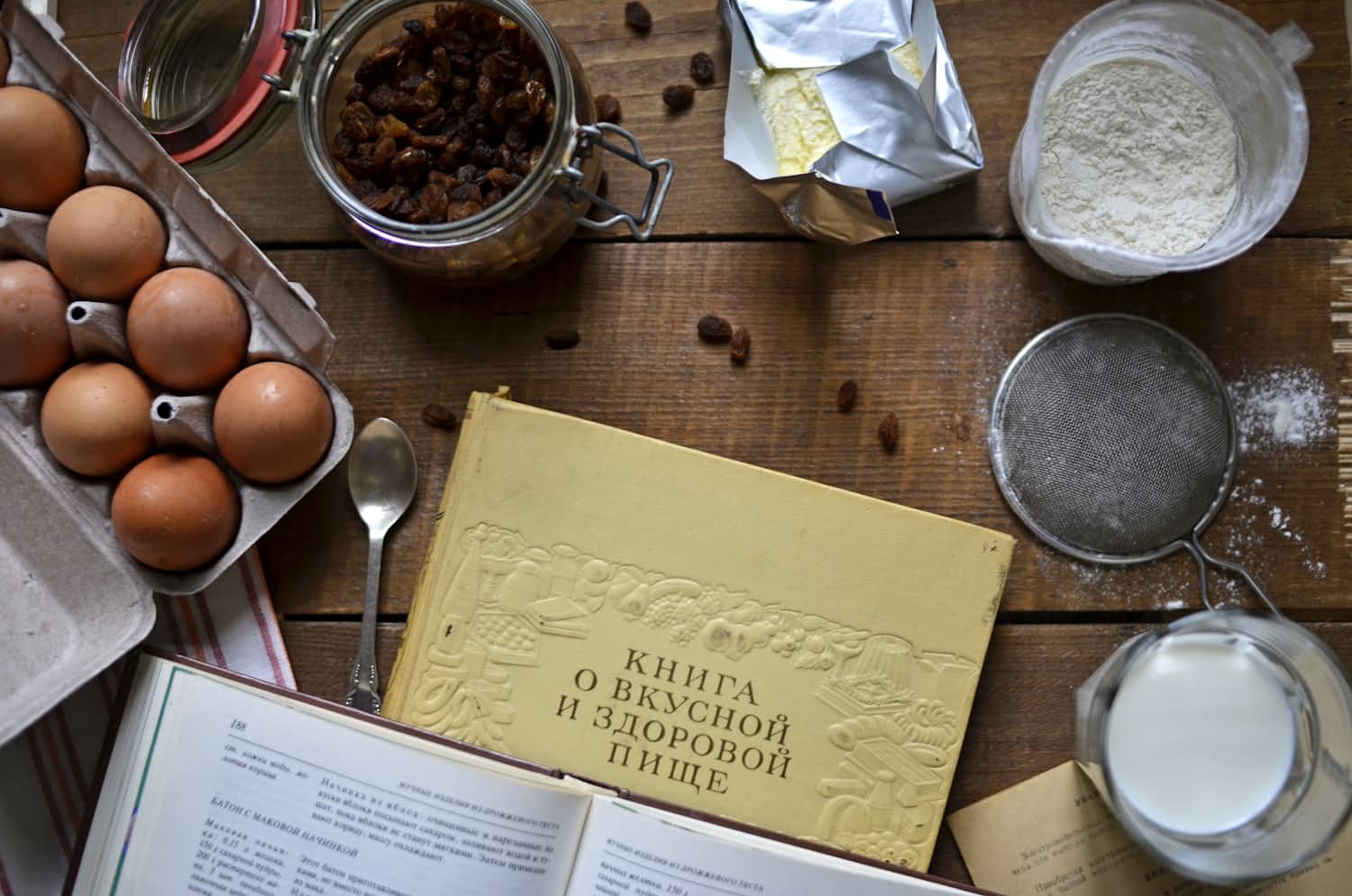
Shallot's Scan a Recipe feature uses your phone's camera to read handwritten recipe cards, magazine clippings, and cookbook pages. It's experimental today and improving with every release.
How much does Shallot cost and when does it launch?
Shallot will be free to download when it launches on the App Store; pricing details will be announced at launch. Join the waitlist to be notified the day it lands.
The waitlist
Be first in the kitchen.
Join the waitlist and we'll email you the day Shallot lands on the App Store. Nothing else, promise.
